

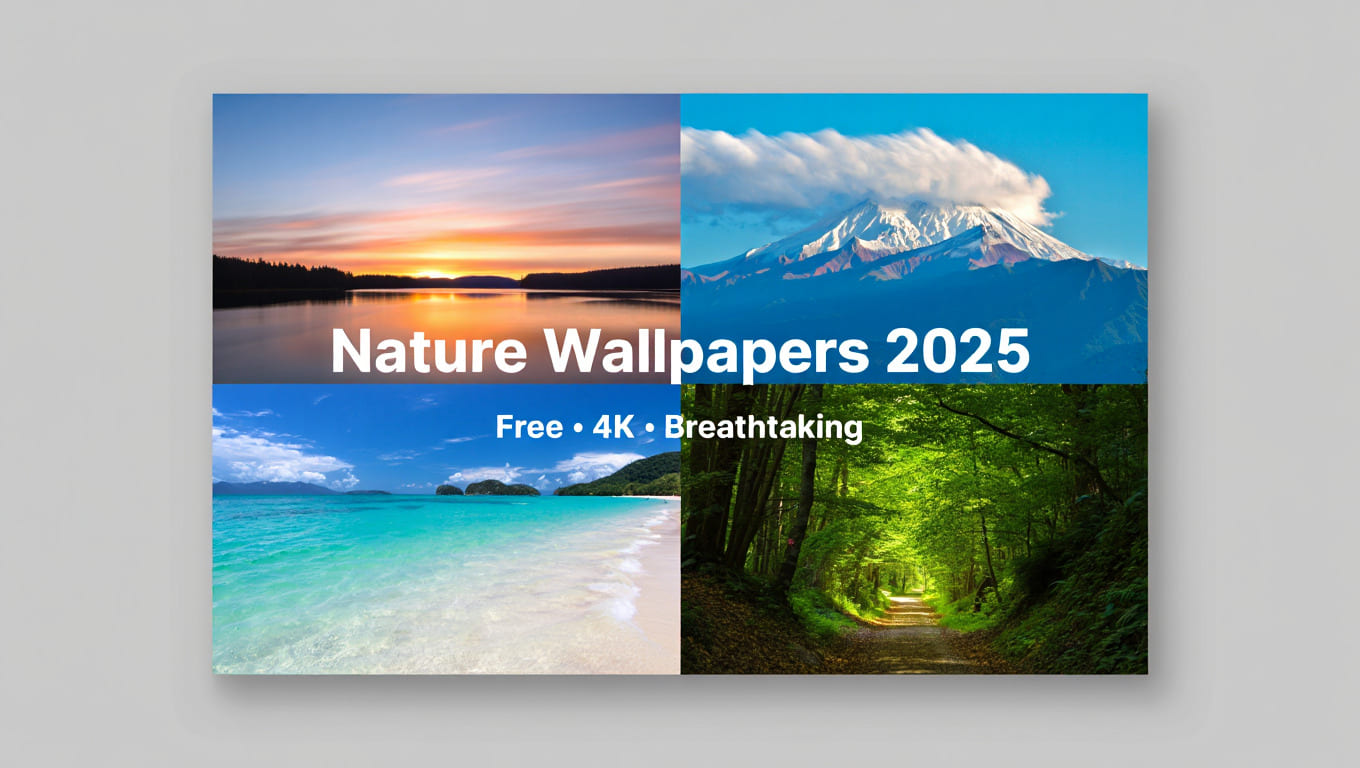
In the era of working on computers every day, a beautiful desktop wallpaper not only helps you relax your eyes but also brings positive inspiration when working. In particular, natural wallpapers with majestic landscapes, gentle green colors, or brilliant sunsets are always the favorite choice of many users. In this article, Softbuzz will synthesize the top beautiful, sharp, large-sized natural computer wallpapers (Full HD, 2K, 4K) – helping you easily download and change your workspace to become fresher every day.
What Are Beautiful Nature Wallpapers?
Nature wallpapers are photos or graphics that simulate natural scenes such as: forests, mountains, rivers, beaches, sunsets, sunrises or green fields. These images often bring a feeling of relaxation, helping to reduce stress when working for a long time in front of a computer screen.
Benefits of using nature wallpapers:
- Helps eyes feel more comfortable thanks to natural, not too bright colors.
- Creates creative inspiration, especially for office workers or designers.
- Beautify your computer interface and express your personal aesthetic taste.
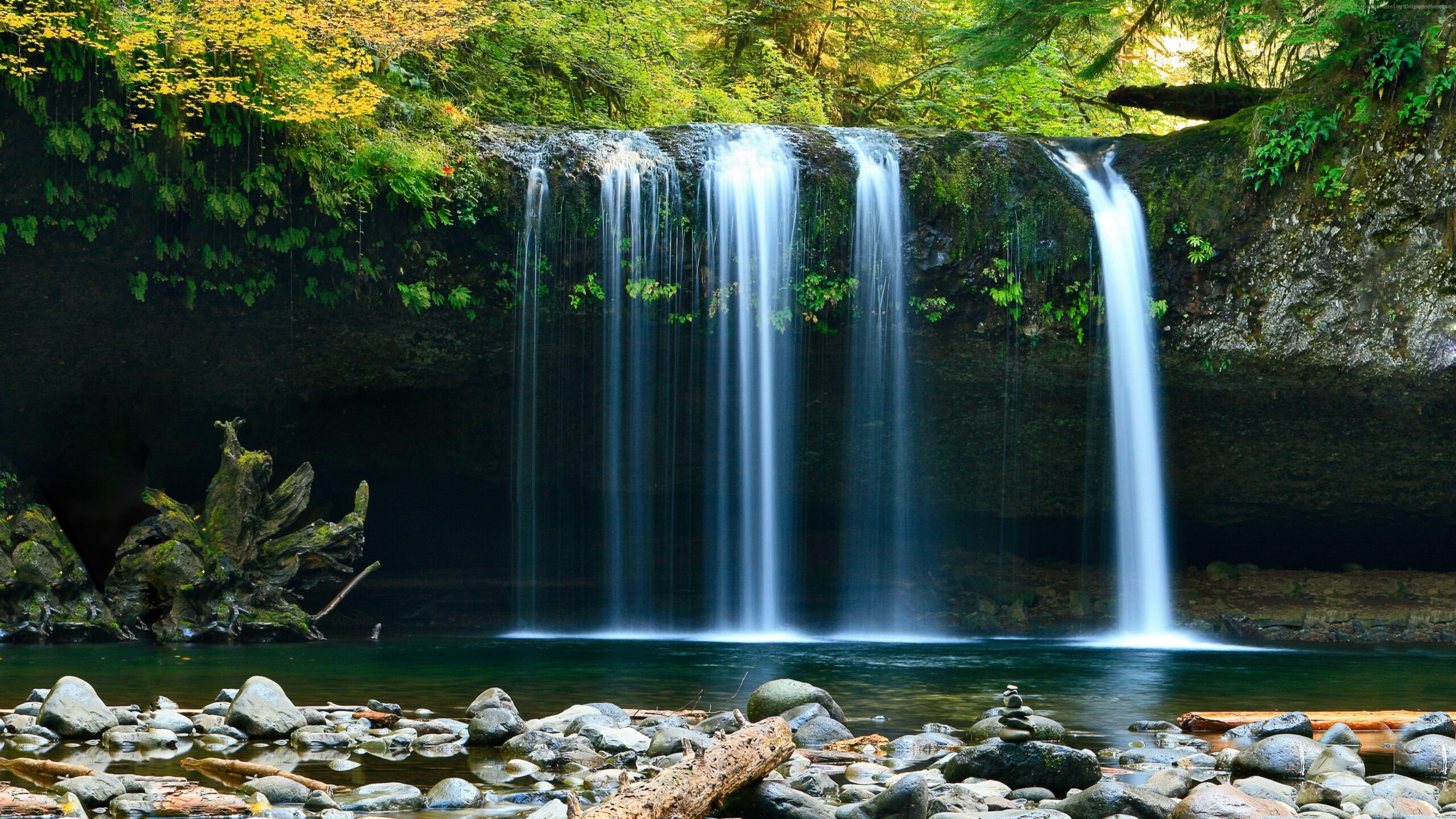
Nowadays, many users tend to choose 4K nature wallpapers or large size wallpapers (1920×1080, 2560×1440, 3840×2160) to ensure the image is displayed clearly, without being broken or blurred.
Collection of the Most Desktop Wallpaper about nature 2025
Below are some of the featured themes in the collection of nature wallpapers compiled by Softbuzz :
Mountain and river scenery
- Alps, Fuji, European forests, crystal clear streams.
- Light blue-gray color scheme creates a sense of calm and concentration.
Sunset & Sunrise
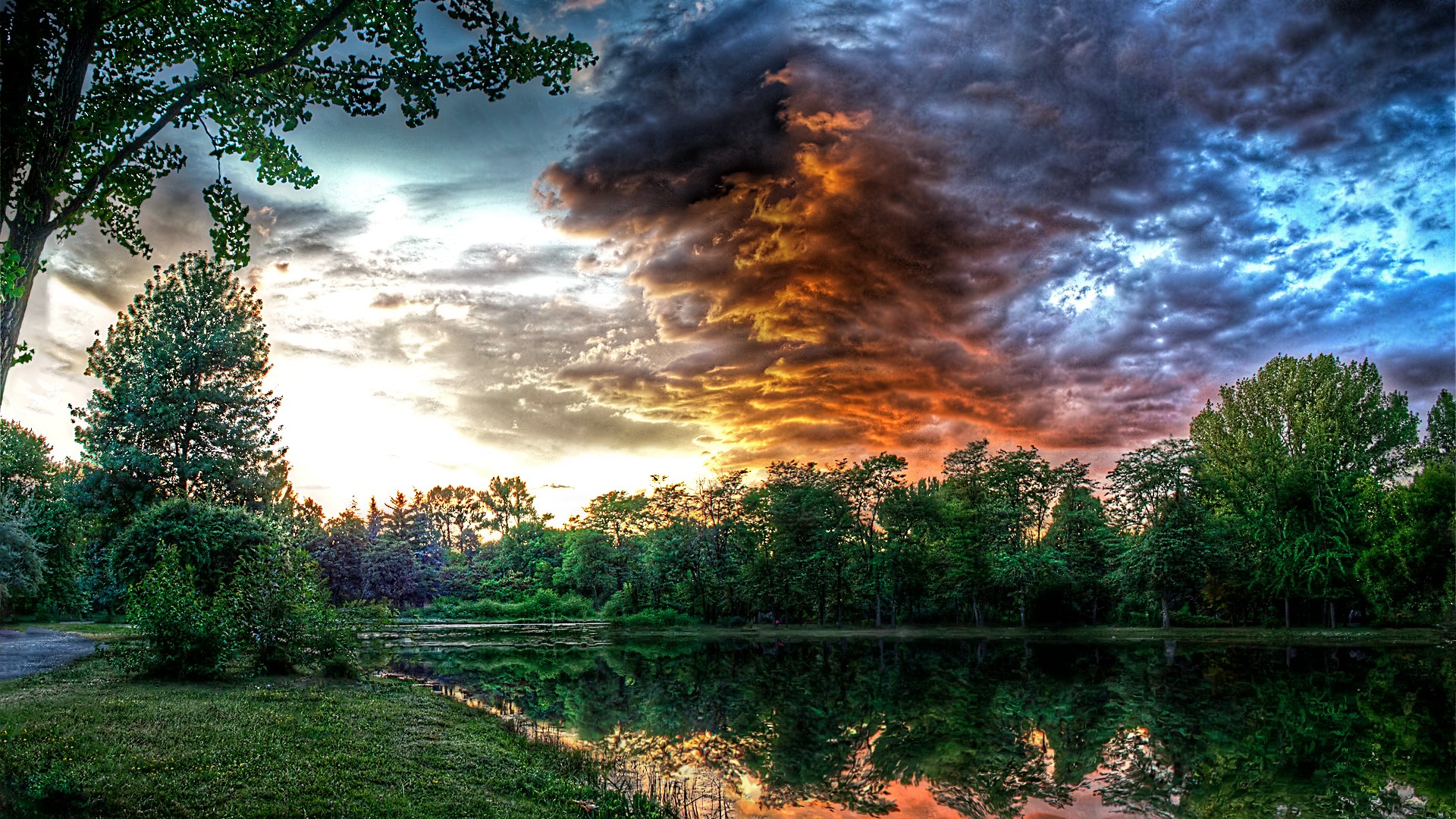
- Sunrise scene, light reflecting on the sea, golden fields.
- Very suitable for those who like warm tones, transmitting positive energy.
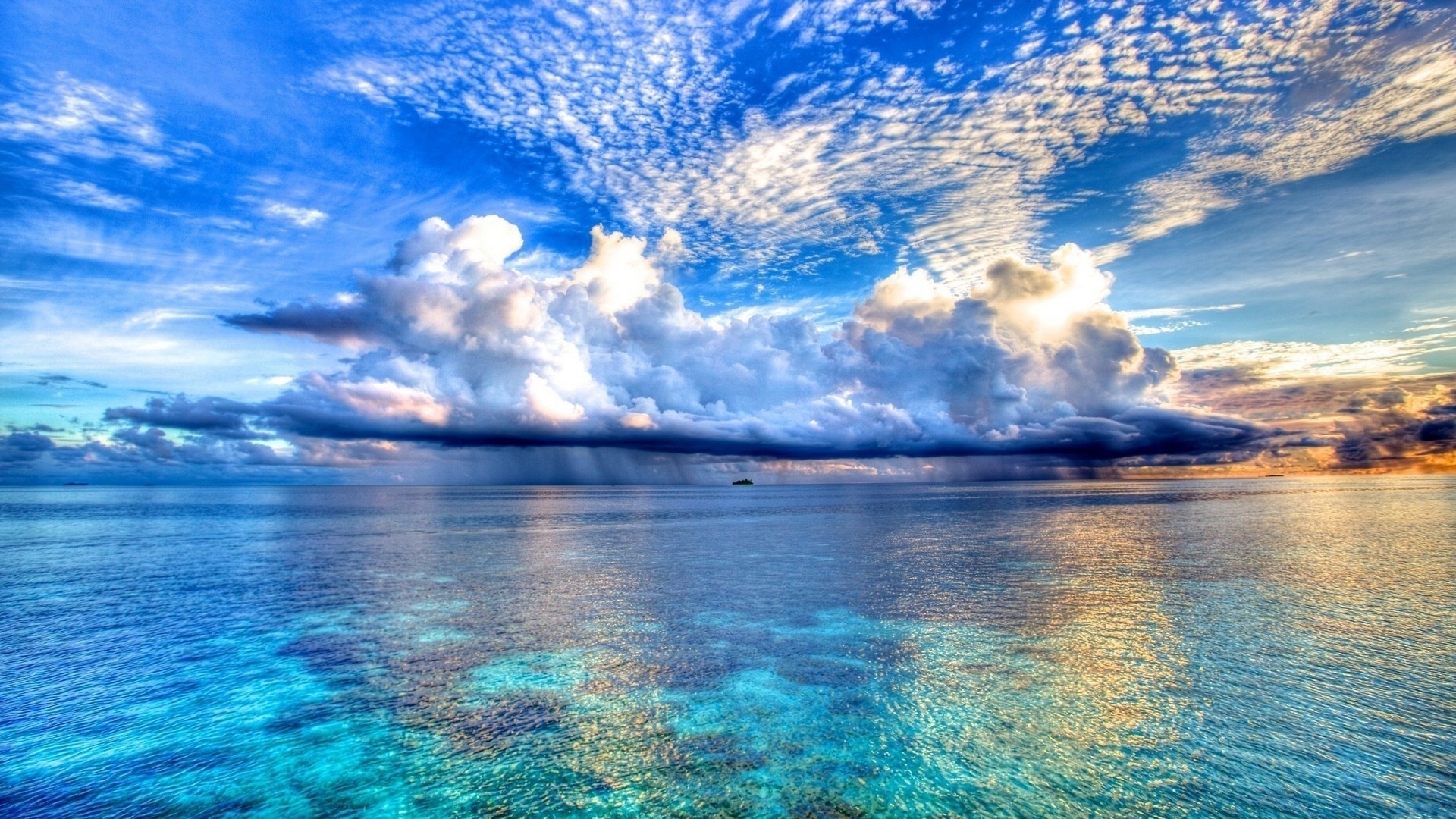
Blue sea & tropical forest
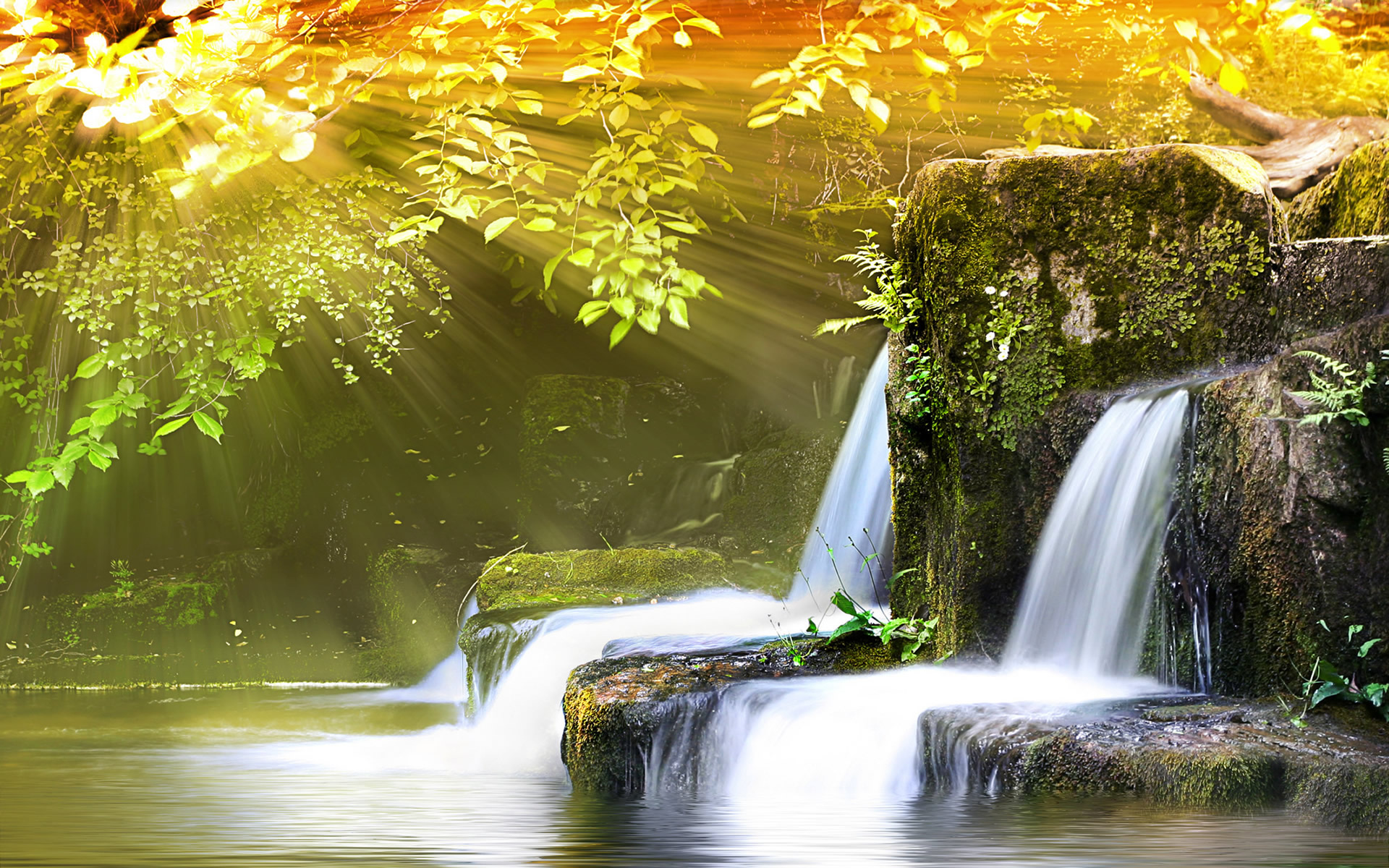
- Maldives sea wallpaper, Amazon forest, crystal clear waterfall.
- Blue and green are the main colors, helping to relax the eyes.
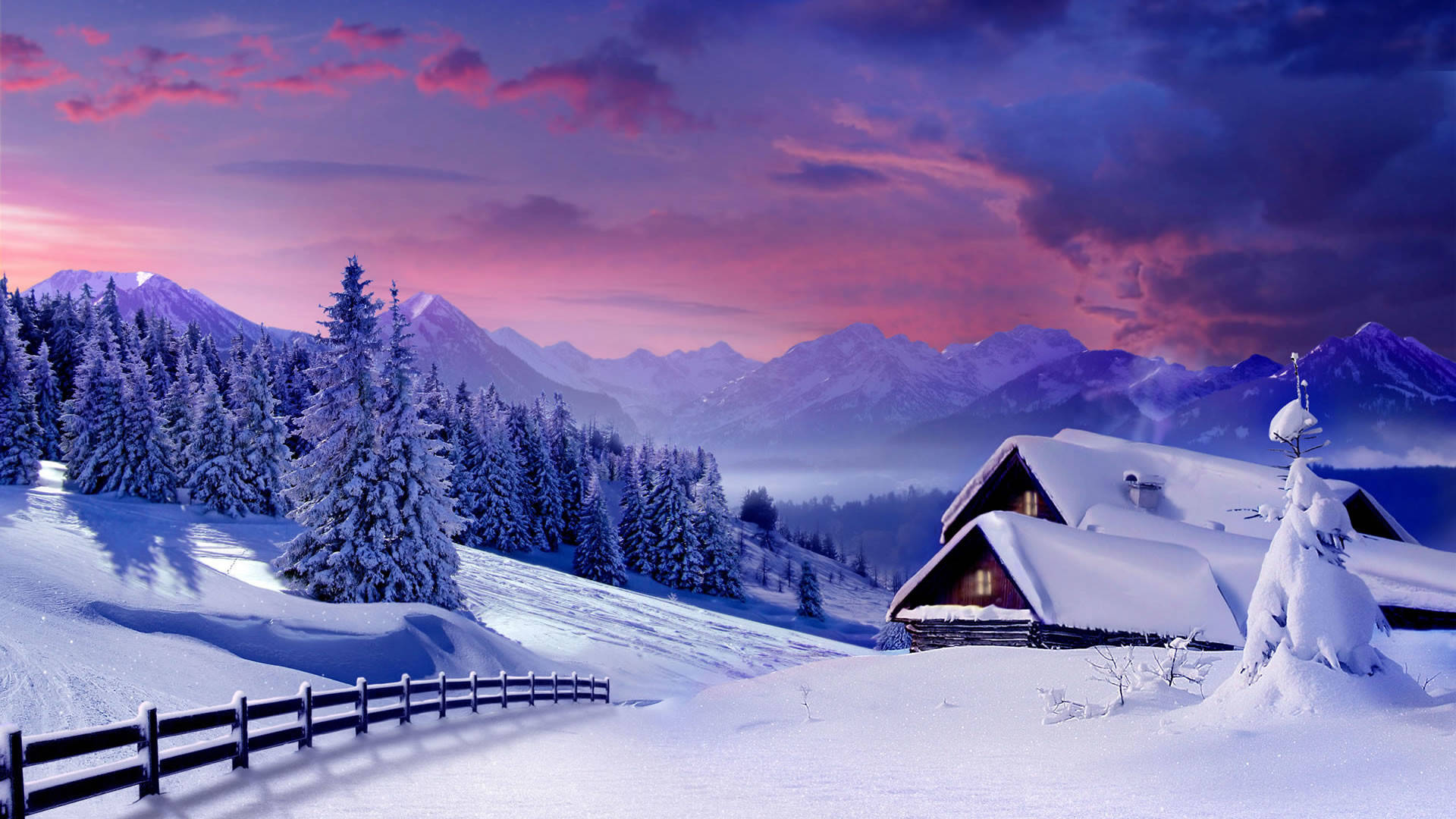
Winter & White Snow
- Snowy forests, Nordic mountains, frozen lakes.
- Cool tones are subtle, suitable for dark interfaces or quiet workspaces.
How to Download Large Size Beautiful Nature Wallpapers
To download the full set of high quality wallpapers, you just need a few simple steps:
Step 1: Access Google Drive Softbuzz
- Access the Google Drive download link shared in the Softbuzz article.

- All wallpapers are carefully selected and compressed neatly in ZIP/RAR files for easy downloading.
Step 2: Download to your device
- Click “Download” on Google Drive.
- Capacity about 200-500 MB depending on collection.
Step 3: Unzip and set as wallpaper
- Right click on the downloaded file > “Extract Here”.
- Open the image folder > Right click on your favorite image > select Set as desktop background .
Instructions on How to Set Nature Wallpaper for Computer
After downloading the collection of nature wallpapers from Softbuzz ‘s Google Drive , you can easily change the look of your computer in just a few simple steps. Here are detailed instructions for each popular operating system:
How to Set Wallpaper on Windows 10 / Windows 11
- Step 1: Open the folder containing the wallpaper you just downloaded and unzipped.
- Step 2: Right-click on the photo you want to set as the background.
- Step 3: Select Set as desktop background . The image will automatically appear on your home screen.
Advanced options:
If you want to change the background image over time (slide show), you can:
- Go to Settings > Personalization > Background .
- In the Background section , select Slideshow .
- Click Browse to select the folder containing the nature images downloaded from Softbuzz.
- Set photo change time (1 minute, 10 minutes, 1 hour, etc.).
How to Set Wallpaper on macOS Step 1: Open the nature wallpaper folder you just downloaded. Step 2: Right-click on the image > select Set Desktop Picture (Set as wallpaper). Or:
- Open System Preferences > Desktop & Screen Saver .
- Select the nature photo folder you just downloaded.
- Click on the image you want to set as wallpaper.
Tip: On macOS, you can enable “Change picture every…” to automatically change the wallpaper every day, creating a fresher feel. How to Set Wallpaper for Laptop / Secondary Screen If you use 2 monitors or a laptop connected to an external monitor , you can:
- Right click on the desktop > select Personalize .
- Select Background > Choose your picture .
- Right click on the image > select Set for monitor 1 or monitor 2 to apply to each monitor separately.
FAQ – Frequently Asked Questions About Nature Desktop Wallpapers
What is nature wallpaper?
Nature wallpapers are pictures that simulate natural landscapes such as forests, mountains, seas, rivers, clouds, sky… helping to bring a relaxing, pleasant feeling when using the computer.
What size should a beautiful nature wallpaper be?
Depending on screen resolution:
- Full HD (1920×1080) : suitable for laptops and popular PCs.
- 2K (2560×1440) or 4K (3840×2160) : ideal for large screens or gaming monitors. The higher the resolution, the clearer the image and the less pixelated it becomes.
Where can I download free nature wallpapers?
You can download the full set of beautiful, large-sized natural wallpapers directly from Google Drive Softbuzz . All images are carefully selected, high resolution, no watermark , fast download – safe.
How to set nature wallpaper for computer?
Very simple: Right click on the image > Set as desktop background . Or see details in the section “Instructions on How to Set Nature Wallpapers for Computers” above to customize slideshows, change images automatically, or set for multiple monitors.
Do nature wallpapers slow down your computer?
As long as the photo is not too heavy (over 10MB) or using automatic wallpaper changing software, nature wallpapers will not affect the performance of the device . If you use a weak device, you should choose Full HD photos instead of 4K.
Does Softbuzz update new wallpapers?
Softbuzz regularly updates wallpaper collections by theme : nature, games, anime, art, etc. Visit Softbuzz regularly to download more latest wallpaper sets of 2025.
Can I use this wallpaper for my phone?
4K wallpapers from Softbuzz can be cropped to fit the screen ratio of your Android or iPhone while still maintaining sharp quality.
Do I need to install separate software to change the wallpaper?
Windows and macOS both support changing wallpapers by default. However, if you want to automatically change the image periodically , you can use the Slideshow feature or the Wallpaper Engine app (optional).
Is there a nature live wallpaper version?
Softbuzz also shares animated nature wallpapers (video or live wallpaper) for Windows and phones. You can see them in the “ Best Live Wallpapers ” section on the Softbuzz site.
How to make the image display clearly, without distortion or cut off part?
Please select the correct image ratio for your screen :
- 16:9 for mainstream laptops/PCs.
- 21:9 for ultrawide monitors.
If the photo is cropped, you can choose the “ Fit ” or “ Fill ” display mode in Personalization > Background .
Conclude
A beautiful nature wallpaper not only helps refresh the workspace, but also brings a feeling of relaxation, comfort and positive inspiration every time you turn on your computer.
From green forests, vast seas to brilliant dawns – each photo has its own energy, helping you balance your emotions and inspire creativity at work.
If you are looking for a set of sharp, large-sized wallpapers (Full HD – 4K) , download the entire collection shared by Softbuzz via Google Drive at high speed – safe, high quality and completely free.
Don’t forget to visit Softbuzz regularly to discover more beautiful wallpaper sets by theme such as:
- Wallpaper of landscape, game, anime, art, minimalist, etc.
- Continuously updated 2025 collections with super sharp 4K – 8K photos, carefully selected.
Softbuzz will always bring you the best images – the smoothest experience – and new inspiration every day.